NotifyForward relays notifications, incoming SMS, and missed calls from your work or spare phone to the device in your hand. Three channels, privacy-first, no server and no account required.
A human simply cannot watch two screens at once — so the spare phone's important moments get lost.
Your work phone stays in your bag, your personal phone in your hand — so client messages, bank codes, and family missed calls all get lost on the spare phone.
Music, navigation, and download persistent notifications flood the screen, and the stuff that actually matters gets buried.
Many forwarders make you log in and upload your notifications to their servers — your privacy is simply not protected.
Bark pushes to iPhone instantly; Email works cross-platform for archival; Webhook reaches any HTTP/HTTPS endpoint — and ships 8 built-in presets (Telegram, ntfy, Gotify, Discord, Slack, WeCom, DingTalk, Feishu) so you only paste a Bot Token / Key / Topic, plus a fully custom endpoint. Pick one per scenario, or run them all at once.
Runs entirely on your phone. Passwords and Bark keys are encrypted with Android Keystore (AES-256-GCM). No server, no account required.
Three modes: forward all / allowlist / blocklist. Forward only WeChat and calls; mute music, navigation, and other noise so you're not woken up at 3 a.m.
Missed calls forward via notifications — no phone permission needed. Broad dialer detection + multi-language keywords so nothing is wrongly dropped.
SMS is captured from your SMS app's notification via Notification Access and deduplicated by message body, so every SMS is forwarded exactly once with a record — never a duplicate flood.
Simplified / Traditional Chinese, English, 日本語, 한국어, Español, Français, العربية. Follows the system language and also supports in-app switching.
A foreground notification-listener service + a local dispatch hub send messages straight to your chosen channels.
A NotificationListener foreground service reads local notifications and SMS (on Android 14 it uses the SPECIAL_USE foreground type for stable, persistent running).
ForwardManager checks the master switch → reads from an in-memory cache (zero disk I/O, zero decryption) → 5-second content dedupe → routes by event type (missed calls dedupe by key / SMS dedupe / app allow-block filtering). App names use an LRU cache.
Sends concurrently to any or all of Bark / Email / Webhook, and writes a local history log you can review anytime.
Built for people who don't want their notifications routed through a stranger's server.
There is literally no place your data could be uploaded to. The app has zero network calls except to the destination you configure.
Email passwords and Bark keys are encrypted with Android Keystore (AES-256-GCM) before they ever touch disk. Non-root devices can't export them in plaintext.
SMS and missed-call forwarding are OFF by default and only turn on after an explicit, in-app disclosure. On first launch you review and accept the privacy policy.
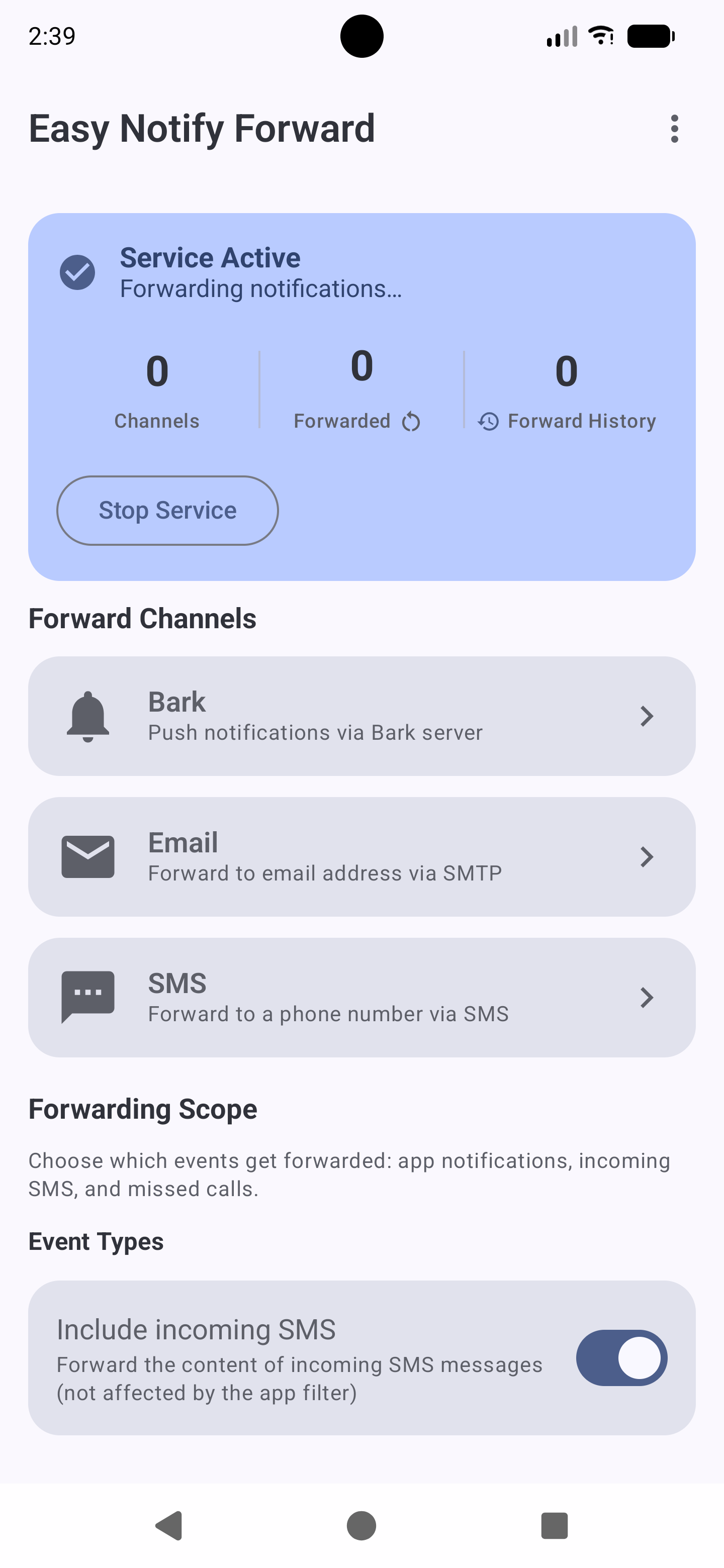
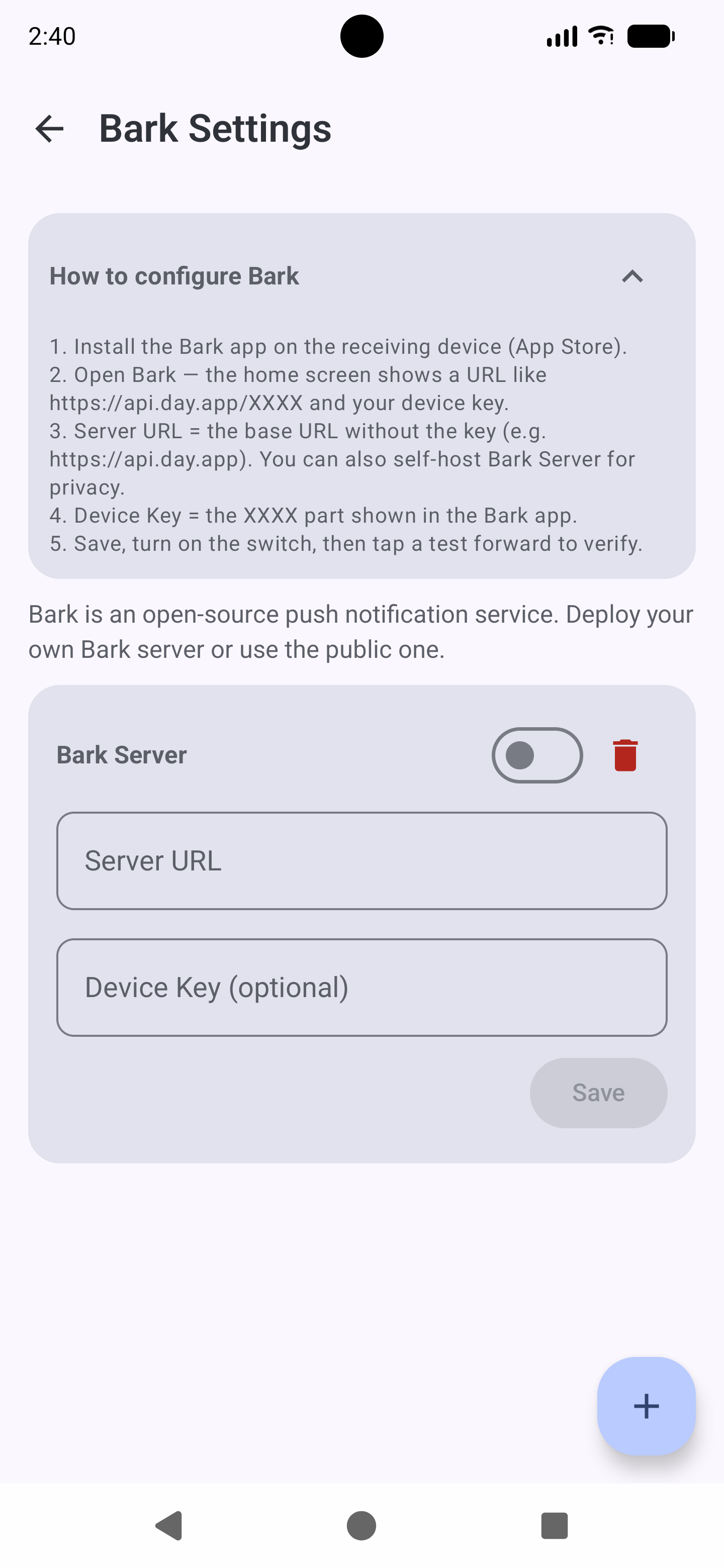
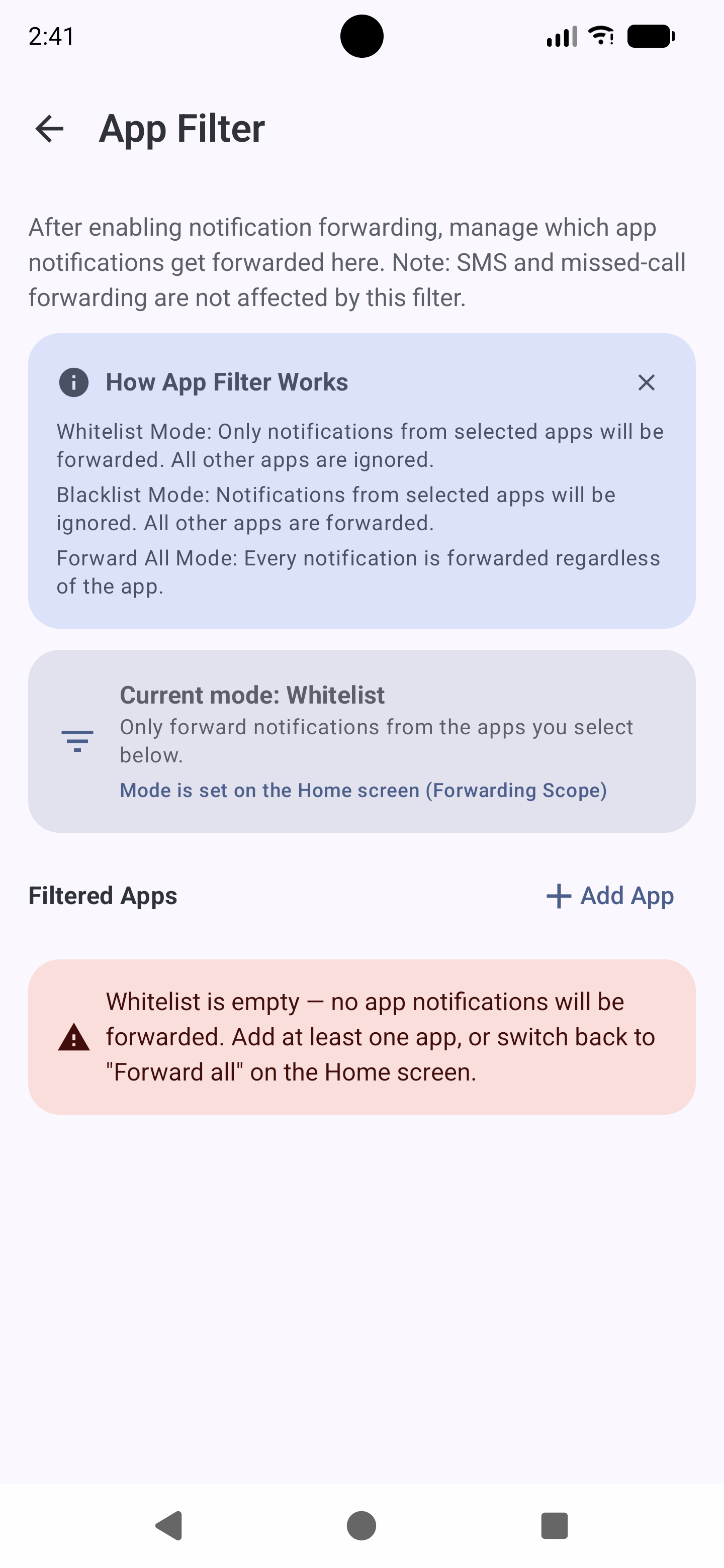
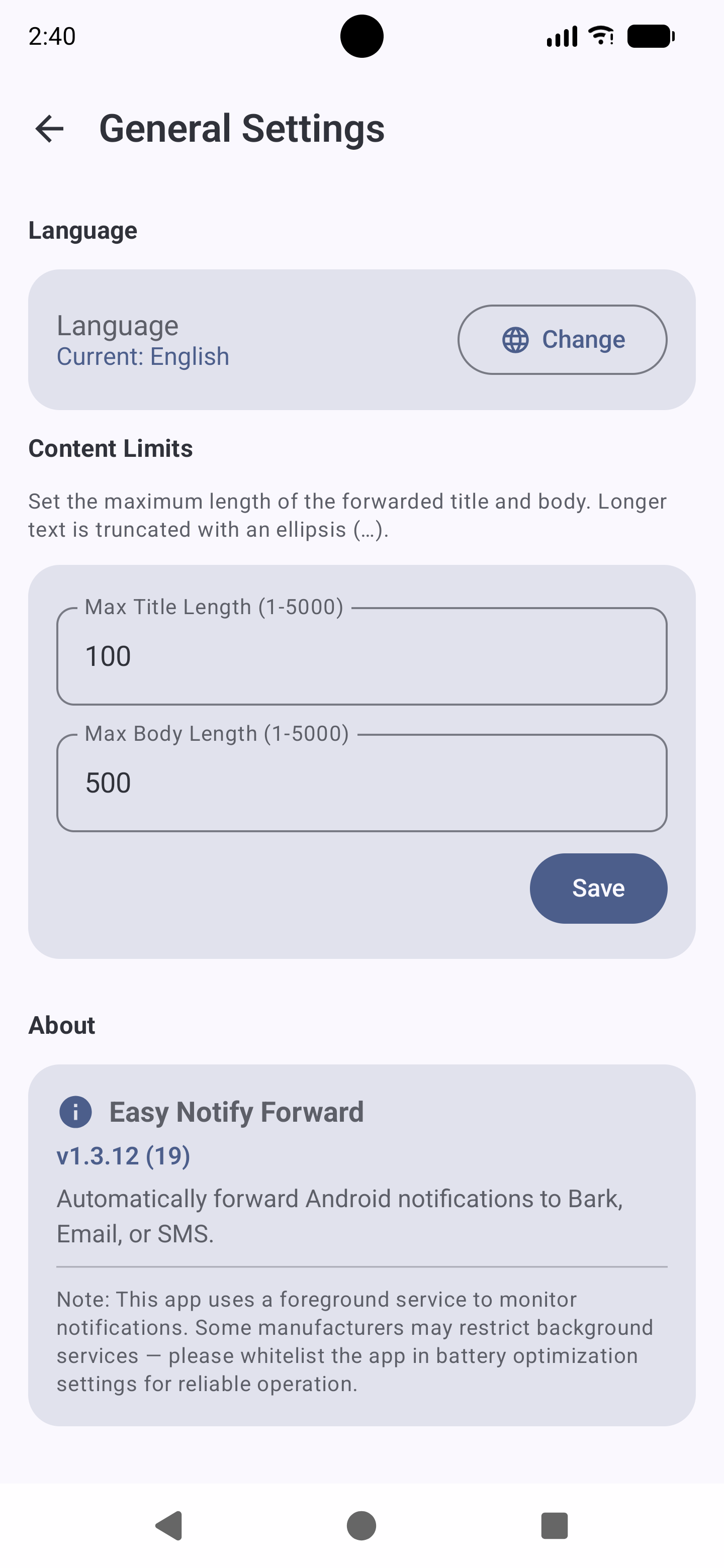
Real-device captures from NotifyForward.
Local-first, no ads, no in-app purchases
Requires Android 8.0 (API 26) or above. On first use, review and accept the privacy policy, grant Notification Access, and disable battery optimization so the background service stays alive.
No. NotifyForward runs entirely locally, with no account and no backend server. Config is stored in the device DataStore; passwords and Bark keys are encrypted with Android Keystore. Messages only go to the Bark / Email / Webhook destinations you configure.
Not necessarily. It's commonly used by two-phone users to aggregate a spare phone's messages onto the main phone; it also works for forwarding a single phone's notifications to email or another device for backup.
To respect platform privacy policies and your control, SMS and missed-call forwarding are OFF by default. You turn them on explicitly, and the app shows a clear disclosure of the permissions involved before enabling. Notification forwarding (the core feature) can be enabled without those sensitive permissions.
Forwarding notifications, incoming SMS, and missed calls all rely on the system's NotificationListener capability (Notification Access). No call or SMS permission is requested — incoming SMS is read from the SMS app's notification, and missed calls are detected from the missed-call notification. After granting, disable battery optimization for this app in system settings so it isn't killed in the background.
Bark is best for instant pushes to iPhone (needs a self-hosted or third-party Bark server); Email is cross-platform and good for archiving; Webhook reaches any HTTP/HTTPS endpoint. You can enable several at once.
No. Regular notifications have a 5-second content-dedupe window; SMS is deduplicated by message body; missed calls dedupe by system notification key — the same call forwards only once even if the text repeats, but different calls forward separately even with identical text (the "same-text swallowing" bug is fixed). All forwards are logged locally.
Simplified Chinese, Traditional Chinese, English, 日本語, 한국어, Español, Français, العربية — 8 in total. The UI follows the system language and also supports manual in-app switching.